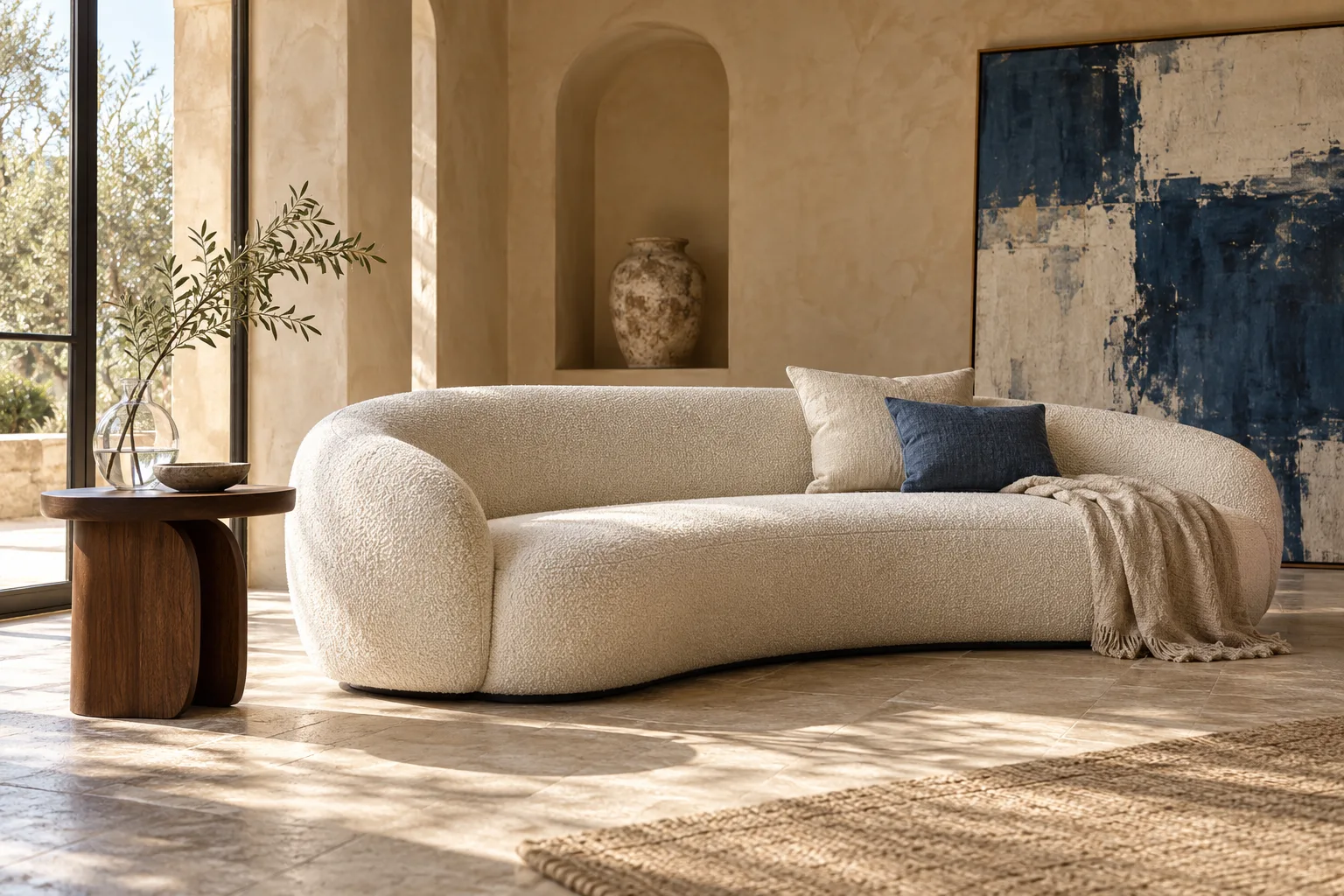
AI Image Enhancement for Professional Product Photography
Transform ordinary product photos and portraits into professional, ecommerce-ready visuals. Create multiple product image variations and streamline your image production with AI.
Three dedicated editing modes. One original to stay true to.
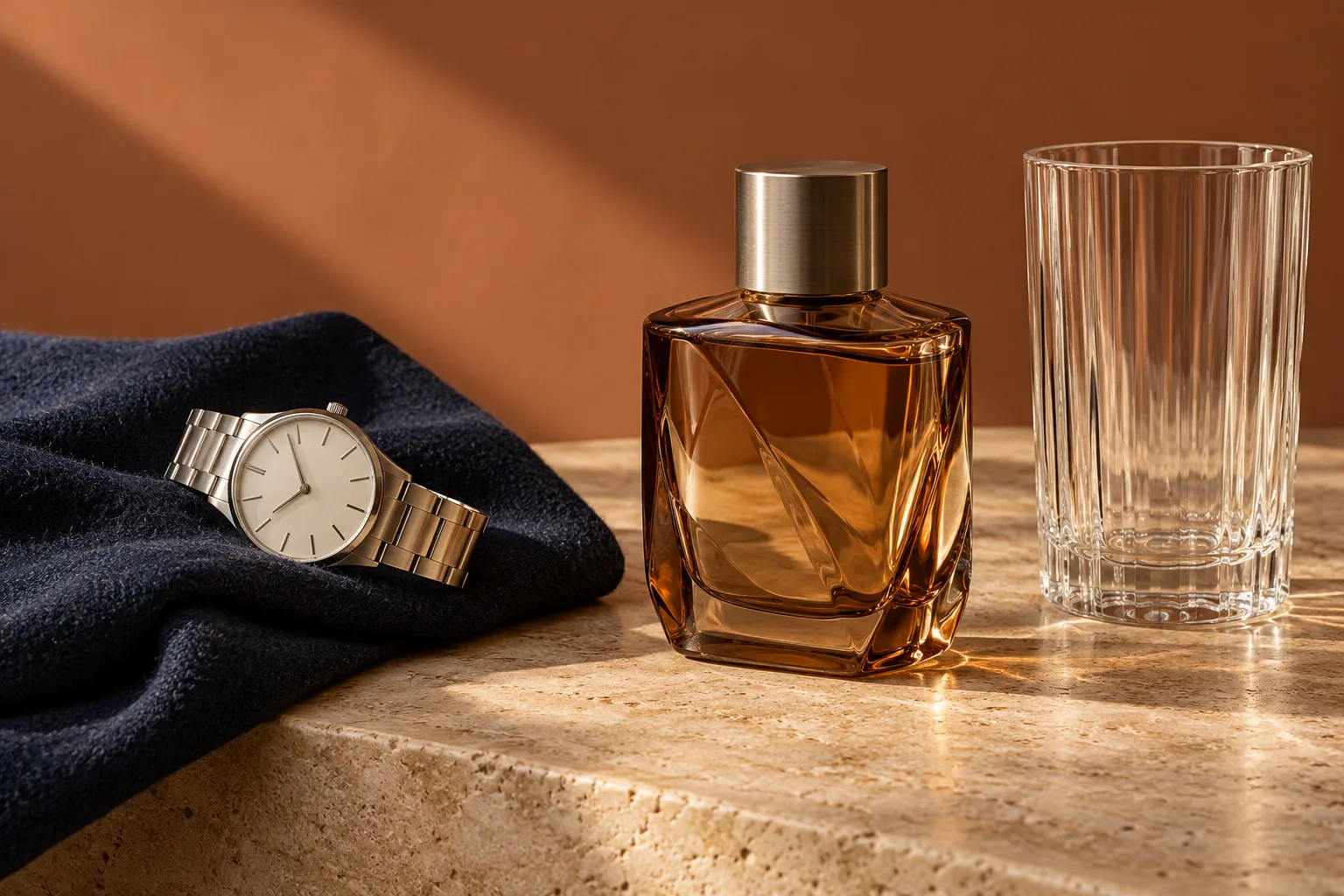
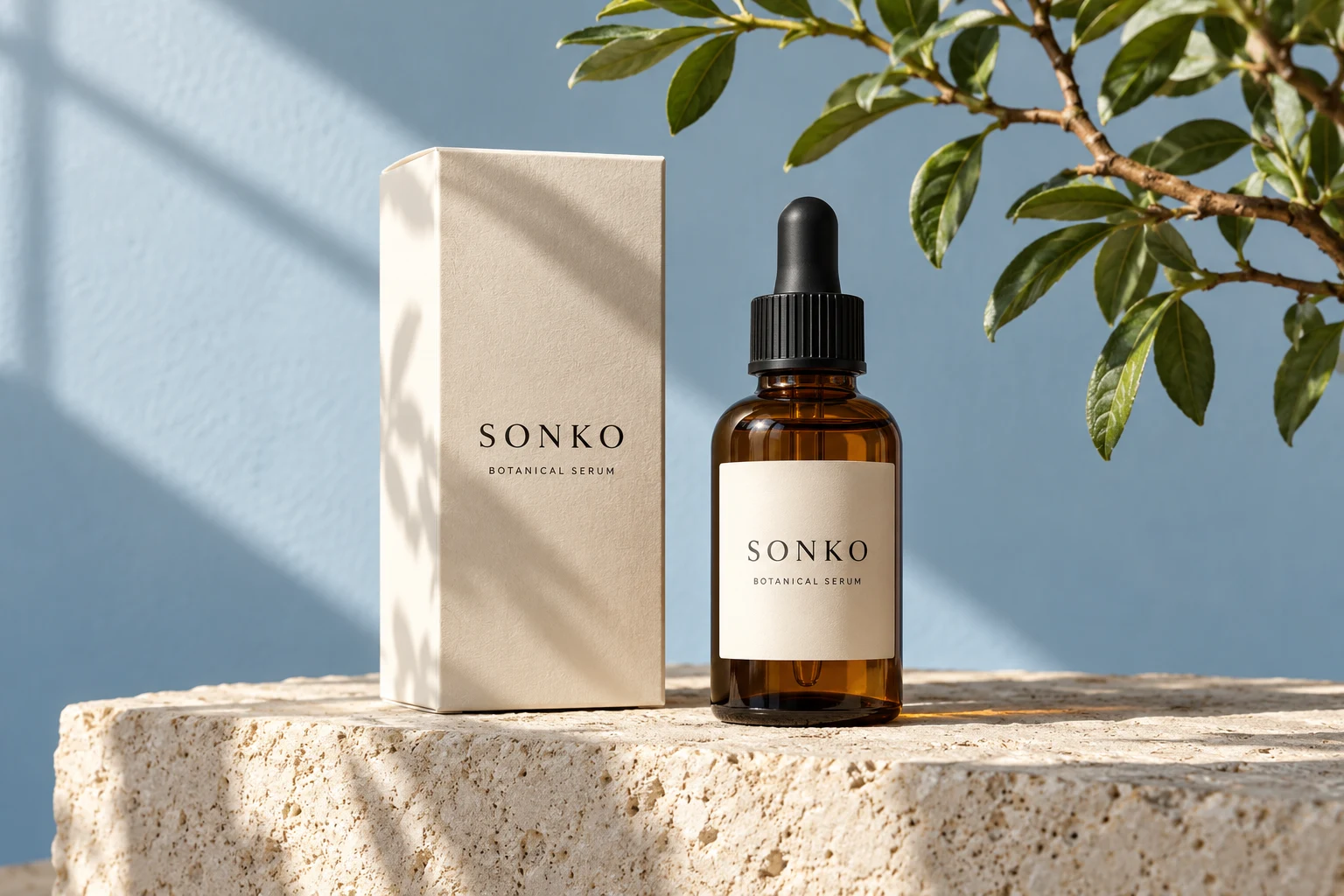
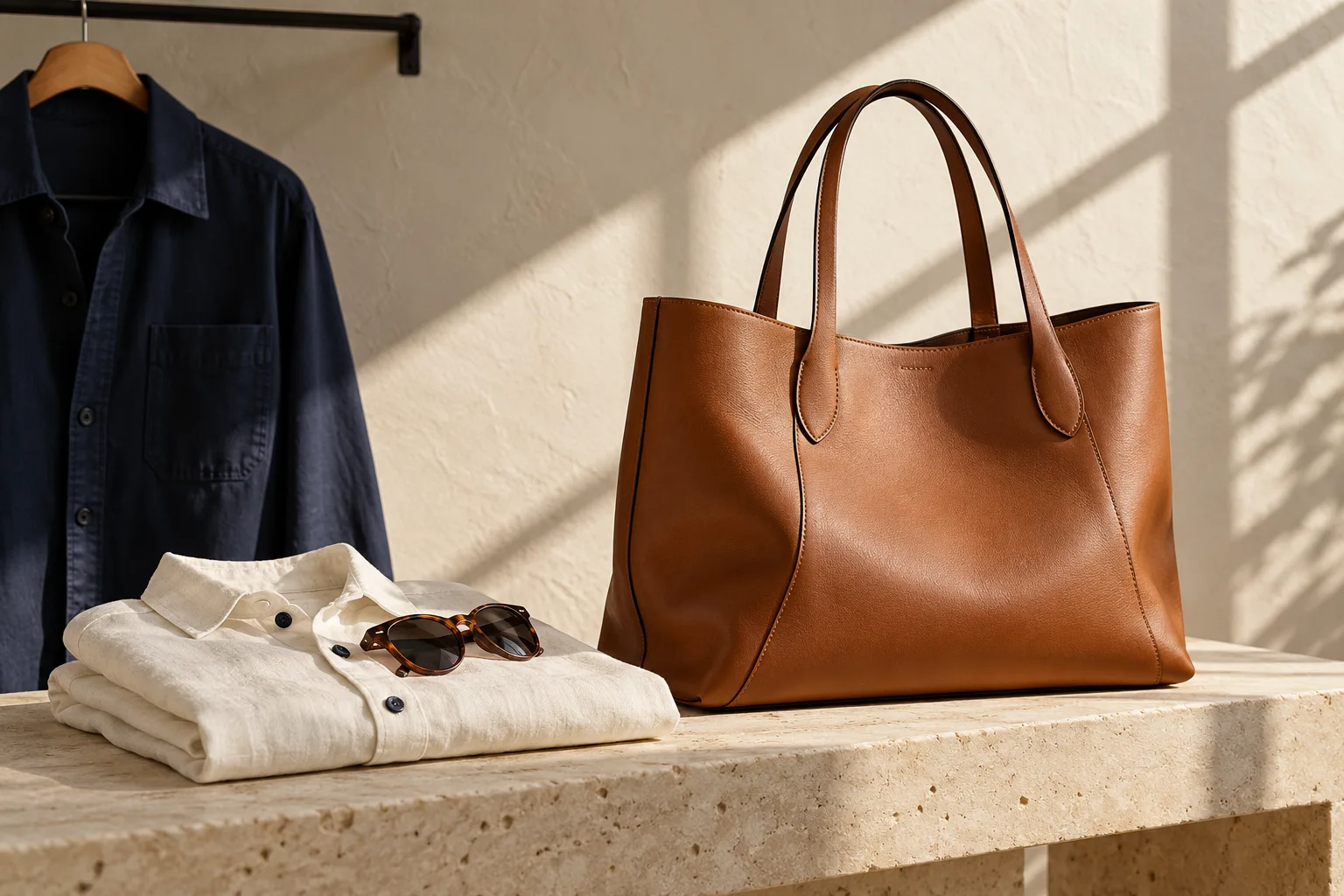
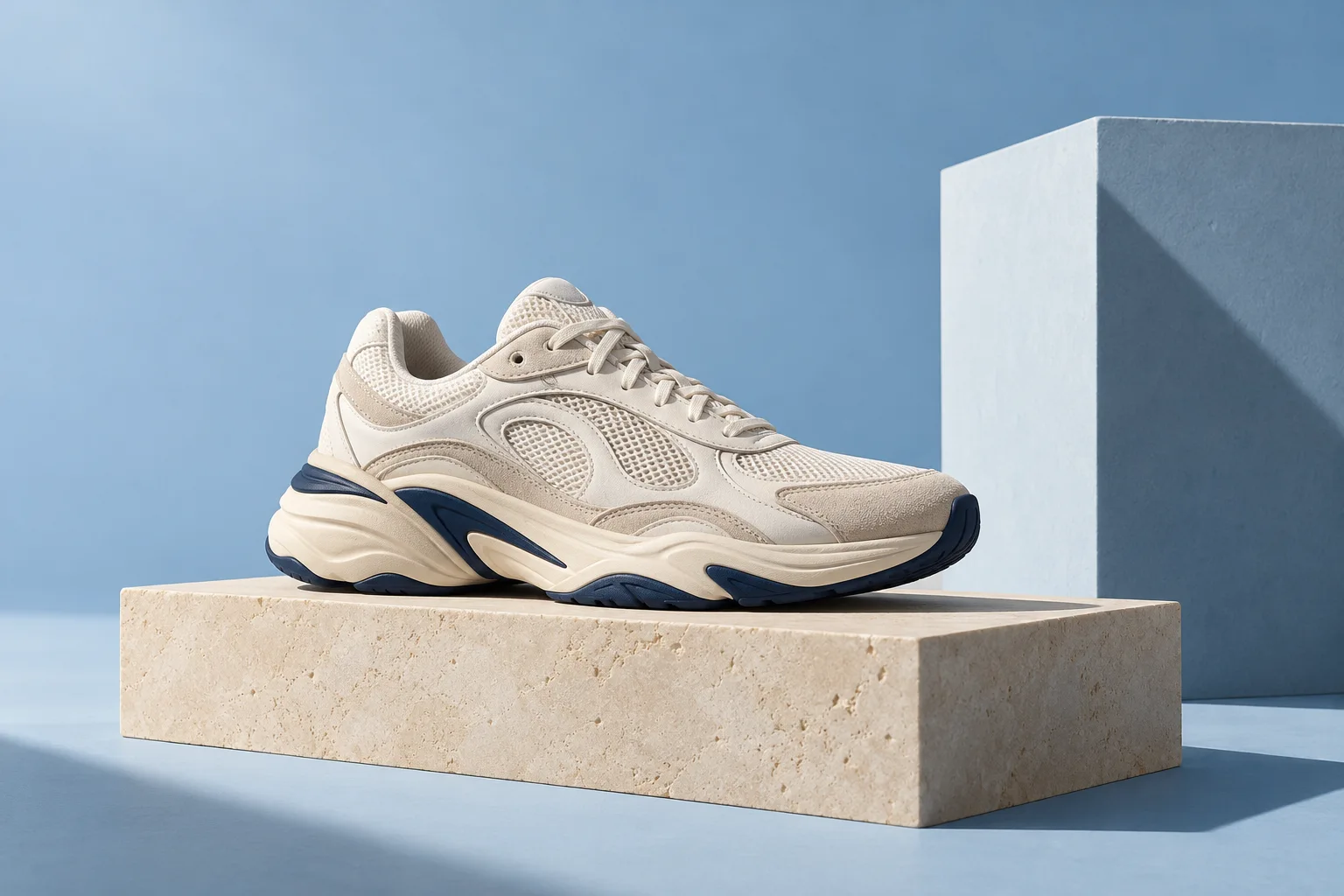
PRODUCT PHOTO ENHANCEMENT
01 / THE OBJECT OF YOUR ATTENTION
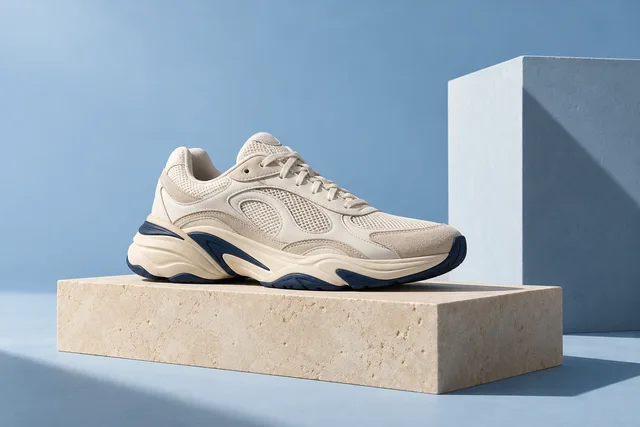
Let your product take the spotlight.
Shape the lighting, background and presentation around your real
reference. Product preservation stays central to the instructions,
with space for your own review.
Controlled background and framing choices
Product shape, packaging and labels prioritized
Original/result comparison and private downloads
Explore product editing
Generative edits can alter details. Always check the product
before use.
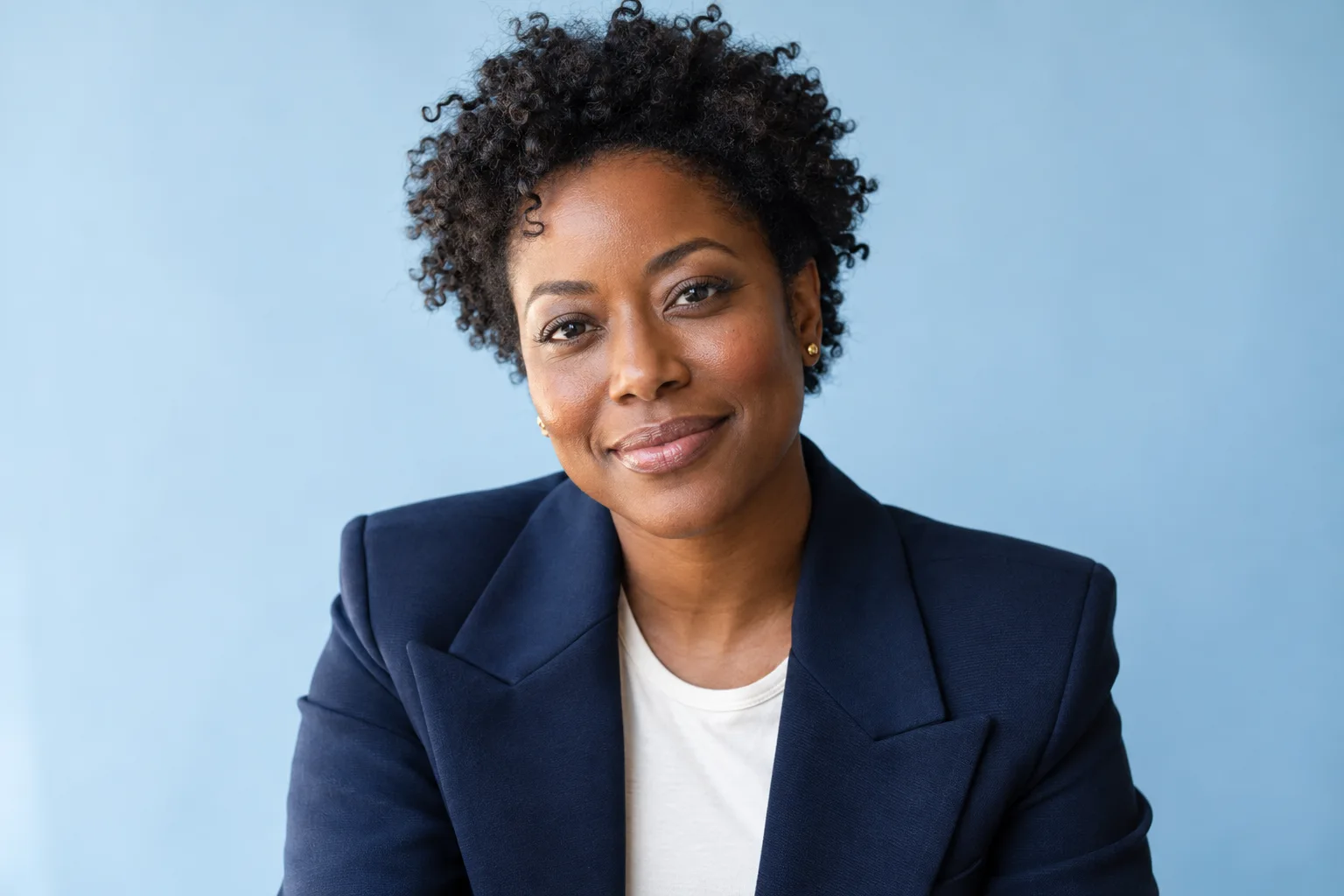
PROFESSIONAL PORTRAITS
02 / A NATURAL FIRST IMPRESSION
Show up as yourself.
A more considered headshot for your professional profile, CV or
website. Guide the lighting and background while requesting a
natural finish and recognizable appearance.
Portrait-specific editing instructions
Natural texture and identity preservation prioritized
Your original stays available for comparison
Explore portrait editing
Review identity and detail. Editing does not verify
qualifications or credentials.
PERSONAL PHOTO ENHANCEMENT
03 / THE MOMENTS YOU KEEP
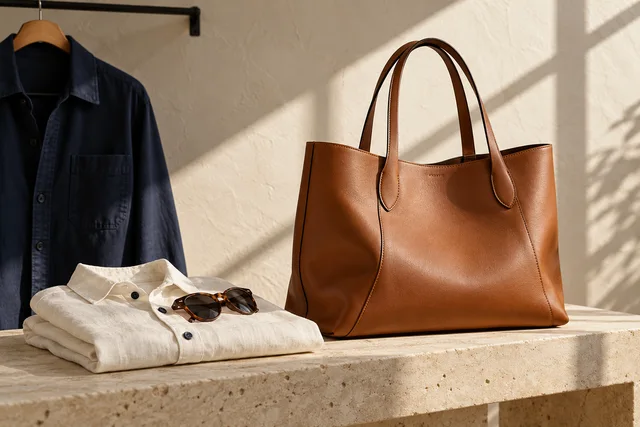
A familiar face. A fresh perspective.
Give everyday photographs a little attention: lighting, color
balance and background presentation, with instructions to preserve
the appearance you want to keep.
A CONSIDERED SECOND LOOKLighting & presentationLocal checksProduct detailsYour reviewOptional AI assessmentMeteredYour decision stays yours.
Quality is a conversation.
Review objective checks and uncertain findings separately.
Approve, reject or request a controlled correction. Generation
never means automatic approval.
Save your colors, logo assets, backgrounds and presentation
preferences in Brand Studio. Apply a profile and preset to
supported product edits and packs, then adjust a single job
without changing your saved identity.
Reusable brand profiles and visual presets
Recorded settings for historical projects
Direct logo placement where the composition supports it
Meet Brand Studio
Brand styling does not override product fidelity. Exact colors,
typography and AI logo reproduction are not guaranteed.
AN IDENTITY, CONSIDERED.Visual direction study
Your palette. Your perspective.
Illustrative moodboard, not a saved customer profile.
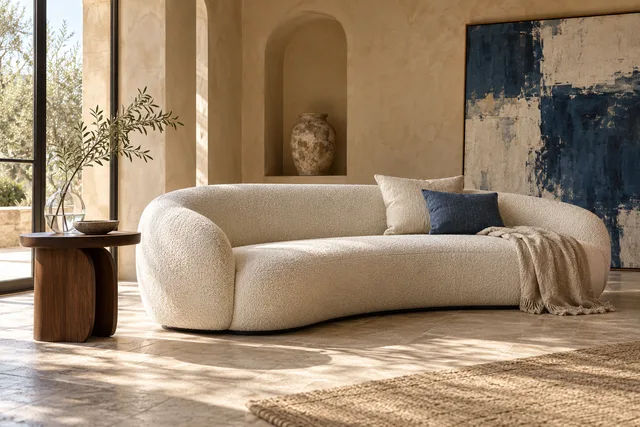
A LITTLE LIGHT CHANGES THE FEELING
See the possibilities.Keep your own eye.
Background and lighting choices shape a photograph’s mood. Explore
two visual treatments in this interactive illustration.
This lighting study uses a concept image and display filters. It is
not an actual before/after result or a fidelity claim.
Your original is the starting point. Your eye guides the rest.
Move from a photograph to a result you can review, keep and make
your own.
01THE STARTING POINT
Bring your original.
Create a private project and upload a supported photograph. Keep
your starting point close throughout the edit.
A private place to begin
02THE CREATIVE DIRECTION
Give it direction.
Choose your mode, output quality and editing instructions. Check
the processing estimate before you start.
Your choices, clearly defined
03THE FINAL SAY
Review. Keep. Download.
Compare your saved result with the original. Inspect the
details, download your chosen version and revisit it in your
library.
The decision stays with you
YOUR PACE. YOUR ROOM TO CREATE.
A single test. Or your next collection.
Explore a strictly limited Free sample, recurring Starter and Pro
plans, or a one-time processing pack. Units reflect processing work,
not a fixed image count.
AI enhancement has three dedicated modes: personal, professional
portrait and product. The workspace also supports private uploads,
projects, product packs, Brand Studio, bulk orchestration, quality
review and a searchable image library. Processing availability
depends on activated services and your allowance; purchasing
remains unavailable until merchant setup is verified.
Will every detail stay exactly the same?
No. Your photograph guides the edit and product-preservation
instructions are prioritized, but generative models can change
appearance, labels, colors and fine details. Review the original
and result before using an image. Quality checks support your
decision; they do not guarantee perfect fidelity.
How do processing units work?
Quality, canvas, reference complexity, pack outputs and optional
AI assessment affect usage. Review your estimate and reservation
before generating. Uploads, library organization and downloads do
not use AI units. Packs and bulk jobs contain separately metered
outputs; requested corrections can use more units.
Are my images public?
Images are kept in private storage and served through
account-authorized routes. They are not published to a public
gallery by this application. When you request AI processing, the
necessary reference content is sent to the configured processing
provider. Read the Privacy Policy before uploading personal or
confidential material.
Can I return to a previous project?
Yes. Projects, saved originals, outputs and recorded job settings
remain connected to your account. The image library supports
folders, search, archives and a 30-day photo recovery window.
Permanent cleanup depends on scheduled maintenance; deleting a
photo does not automatically erase associated usage or audit
records.
YOUR NEXT PHOTO STARTS HERE
A fresh perspective. A place to make it yours.
Bring your original. Create a collection worth keeping.

 PRODUCT PHOTO ENHANCEMENT