
Clean listing and visible detail
A clean listing gives the product a neutral presentation. A detail output focuses on features already visible in the original photograph; it cannot verify unseen surfaces or recover unreadable labels.
AI PRODUCT PHOTO EDITOR
Start with the product you actually photographed. Improve its lighting and photographic setting, then plan a connected collection for listings, social layouts and wider promotional space.
A workspace account is free. Image generation and purchasing depend on service activation, your plan and available processing allowance.
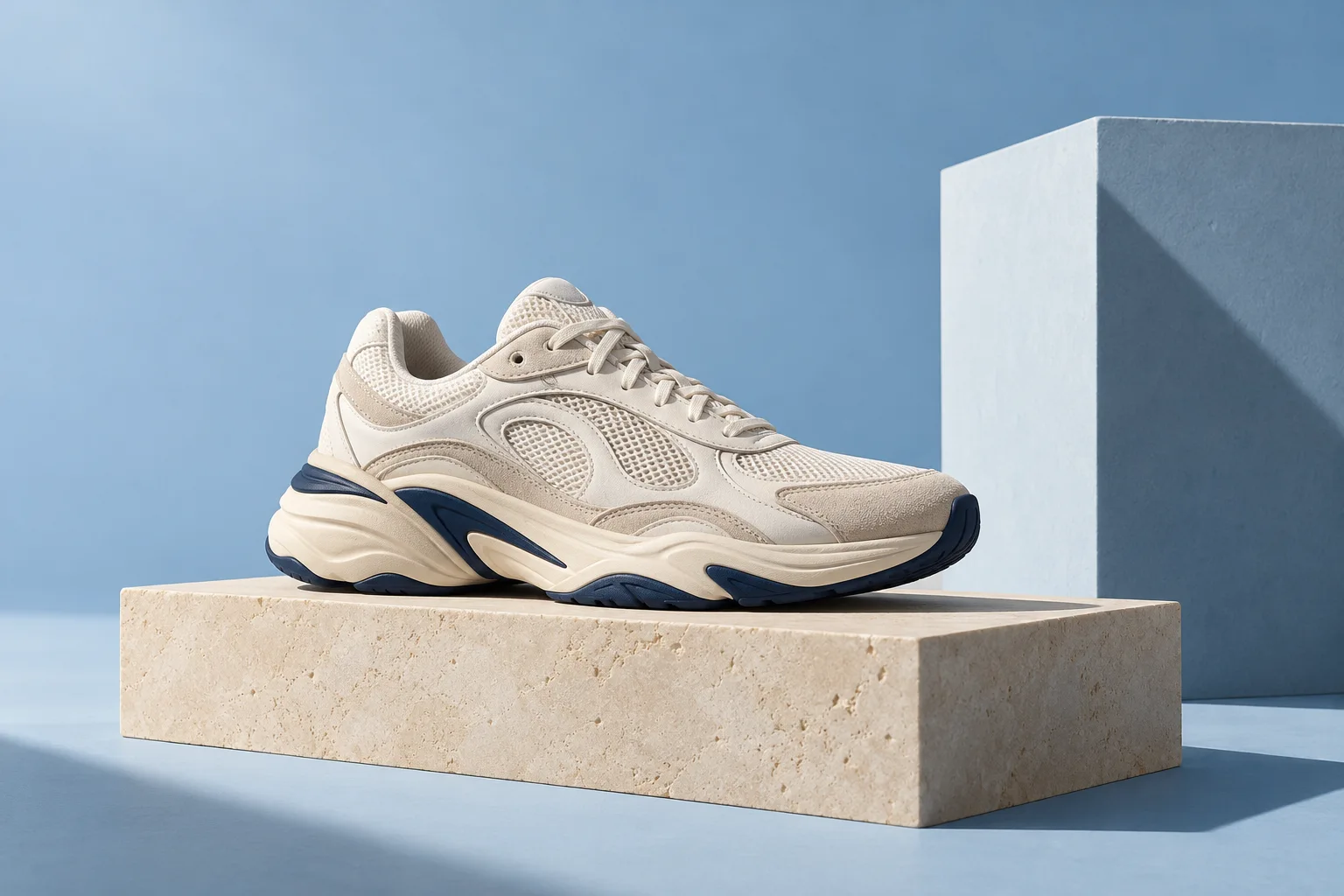
A WORKFLOW YOU CAN FOLLOW
A clean listing gives the product a neutral presentation. A detail output focuses on features already visible in the original photograph; it cannot verify unseen surfaces or recover unreadable labels.
Lifestyle and wide promotional outputs create a setting around your source product. Environmental objects are creative context, not included accessories. Review composition, packaging and the visible product before use.
Plan a square photographic composition alongside your other selected outputs. Supported pack canvases are square and landscape; no marketplace acceptance, invented copy or automatic publishing is promised.
KEEP THE ORIGINAL IN VIEW
Product enhancement supports background cleanup or a neutral replacement, lighting improvement, color balance and realistic shadow direction. Instructions and preservation choices prioritize the original shape, colors, print and arrangement, but generative editing can still change important details.
Image packs let you select a subset of the five existing output types rather than requiring a complete set. Choose quality and any supported brand direction, review the pack estimate, then inspect saved results against the original before deciding what to approve or download.
BEFORE YOUR NEXT EDIT
No. They are clean listing, lifestyle, visible detail, square social and wide promotional output types. SonkoFlow does not reconstruct or verify unseen product angles.
The workflow prioritizes preservation, but exact fidelity is not guaranteed. Inspect labels, logos, colors, shape and accessories in every result before using it for a listing.
These workflows are reference-based. Upload a supported photograph that you have permission to use, then choose the product editor or pack workflow. Opening an editor does not start generation.
YOUR ORIGINAL. YOUR DIRECTION.
Explore the tools in Production Hub or organize a project before choosing an edit.