
Choose your original
Upload a supported JPEG, PNG or WebP photograph you have permission to edit. A clear reference gives you a meaningful basis for reviewing identity and the visible features in the result.
PROFESSIONAL PORTRAIT ENHANCEMENT
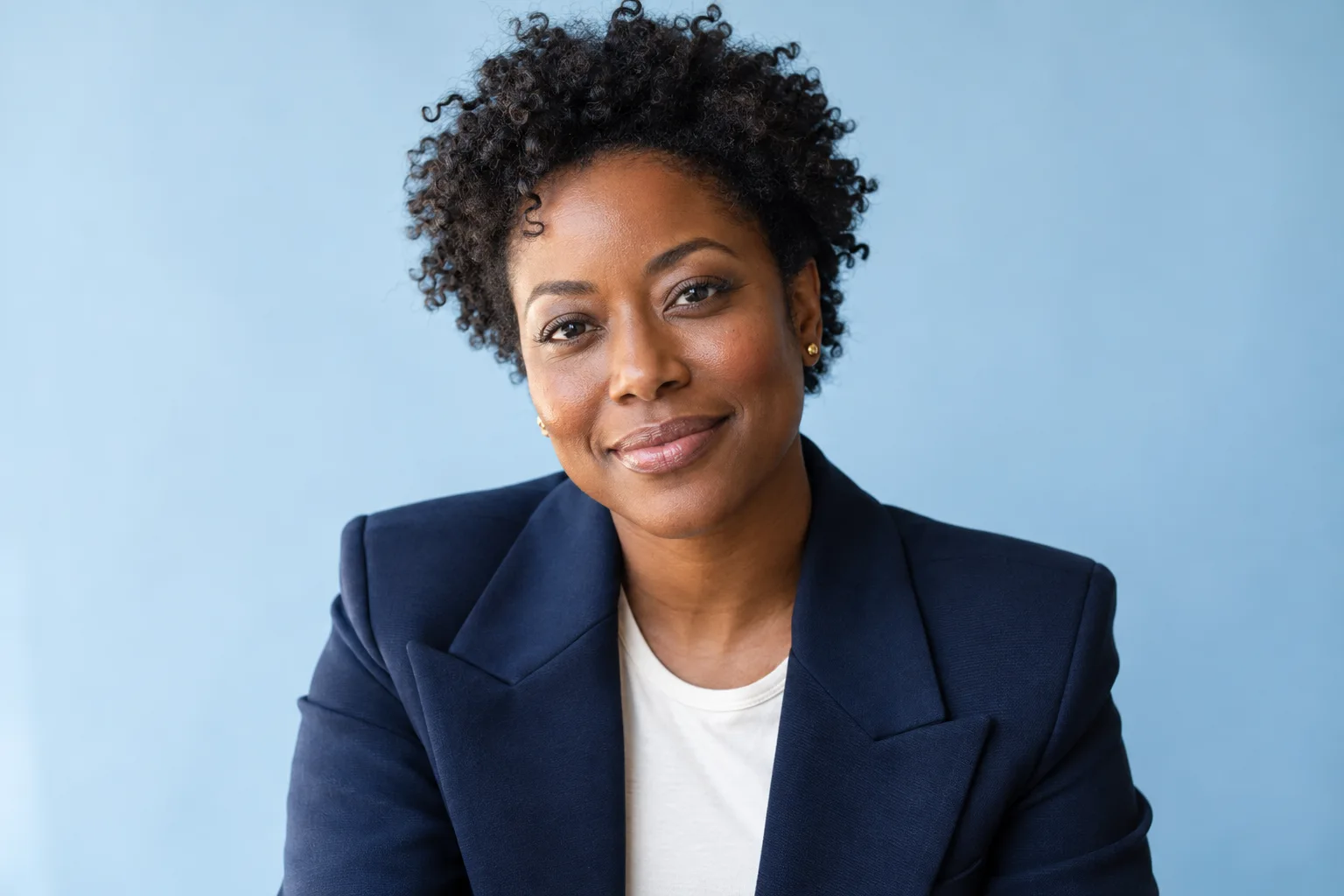
Bring a clear photograph of the person you want to portray. Choose a professional photographic direction while prioritizing recognizable identity, original appearance and natural skin texture.
A workspace account is free. Image generation and purchasing depend on service activation, your plan and available processing allowance.
A WORKFLOW YOU CAN FOLLOW
Upload a supported JPEG, PNG or WebP photograph you have permission to edit. A clear reference gives you a meaningful basis for reviewing identity and the visible features in the result.
Professional Portraits is a dedicated editing mode. Review available quality, canvas and background choices and add appropriate instructions. Available options depend on your account and service configuration.
Inspect the saved portrait alongside its original. Look at facial features, skin texture, hair, clothing and the background before you decide whether the image is suitable for professional use.
KEEP THE ORIGINAL IN VIEW
Portrait editing uses an uploaded photograph as its reference and prioritizes recognizable identity and original appearance. Review facial features, skin texture, clothing and the photographic setting before deciding whether the saved image is right for its intended use.
Your original stays in the private workspace. Generation sends the selected photograph to SonkoFlow only after the editor’s consent and confirmation step. Review the result before sharing it, and use private downloads to retrieve saved files. Product Brand Studio settings are not applied to portraits.
BEFORE YOUR NEXT EDIT
Yes. Start with an uploaded reference photograph of someone you have permission to portray. The source is retained for comparison with the saved result.
Production Hub lets you choose a ready original and open Professional Portraits. You can also select the supported mode in the editor, subject to the current account and service availability.
Personal photo enhancement focuses on natural light, color and clarity for everyday photographs. Professional Portraits provides a separate headshot-oriented direction. Both prioritize recognizable appearance and require review.
YOUR ORIGINAL. YOUR DIRECTION.
Explore the tools in Production Hub or organize a project before choosing an edit.